DIY BELABOX Setup: The Real Cost of Building It Yourself
Understand the Linux, modem, hardware, and VPS work behind a DIY BELABOX build, then decide whether the flexibility is worth owning.
By VISP Team ·
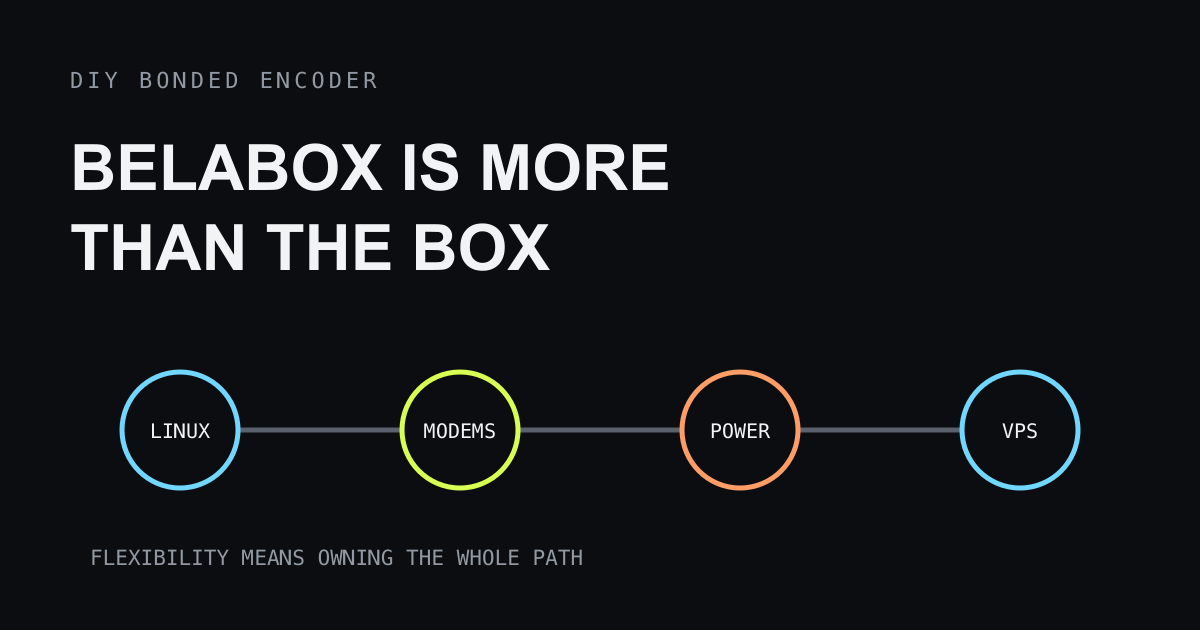
A DIY BELABOX can solve one of the hardest IRL streaming problems: keeping a usable field feed across several changing network connections. It can also turn a first stream into a hardware, Linux, modem, networking, power, and server project before the camera ever goes live.
That is not an argument against BELABOX. It is the reason to choose it for the right operator. A DIY bonded encoder trades a recurring managed-service bill for ownership of the complete technical path. The flexibility is valuable when you want it. It is friction when the real goal is simply to stream from a phone this weekend.

Why DIY BELABOX is attractive
BELABOX brings together efficient field encoding, SRTLA bonding, dynamic bitrate, and remote management around supported hardware. A builder can choose the encoder, capture path, modems, carriers, power system, enclosure, and relay workflow instead of accepting one commercial appliance.
That control matters on difficult routes. Several independent links can give a bonded encoder options when one carrier becomes congested or loses coverage. Dynamic bitrate can reduce demand when available capacity shrinks. A dedicated encoder can also leave the creator’s phone free for chat, navigation, and production control.
The appeal is real: capable field transport without stepping directly to the price and service model of traditional broadcast hardware. But “DIY” describes who integrates and supports the system. It does not make that work disappear.
The build has four separate compatibility problems
Treat a DIY BELABOX as four systems that must agree:
| Layer | Decisions you own | Typical failure |
|---|---|---|
| Compute and capture | Supported board, camera input, encoder, cooling | Video never starts or throttles under load |
| Network hardware | Modems, USB behavior, antennas, carriers, cabling | A link disconnects, resets, or shares the same weak network |
| Linux software | Image, configuration, updates, logs, device detection | A change works once but not after restart |
| Relay or VPS | Reachable endpoint, firewall, credentials, capacity | The field encoder is healthy but the feed never reaches OBS |
A compatible board does not guarantee a compatible capture device. A modem recognized by Linux does not guarantee stable power through a crowded USB hub. Two active SIMs do not guarantee independent coverage. A reachable VPS does not guarantee that the return feed and OBS settings are correct.
Check the current BELABOX documentation and supported-hardware guidance before buying parts. Product support changes; a forum post about a different board revision or modem firmware is evidence to investigate, not a shopping list.
The Linux command line is part of ownership
The day-to-day interface may be a dashboard, but a DIY build eventually exposes the operating system underneath it. Initial imaging, network diagnosis, device detection, logs, updates, service restarts, and recovery after a failed change can all lead to a Linux shell.
You do not need to be a Linux administrator to assemble a documented supported configuration. You should still be comfortable with a few operational tasks:
- identifying whether the board sees a capture device or modem;
- reading service status and recent logs without changing unrelated settings;
- distinguishing a power reset from a carrier disconnect;
- applying an update only when there is time to retest the complete rig;
- restoring a known-good storage image when field repair would take too long;
- keeping credentials and configuration backups off the encoder.
Copying commands from a chat thread is not the same as understanding their scope. A command written for another Linux image, hardware revision, or network interface can make diagnosis harder. Record the source and purpose of every change. If you cannot explain what a command alters, stop before running it on the only working field unit.
Modem compatibility is more than a connector
External modems create several coupled questions. Does the operating system detect the device? Does it expose the expected network mode? Can the board and hub power it during radio peaks? Does it recover after a brief disconnect? Can the carrier and plan sustain upstream video? Are the antennas positioned well enough to help rather than interfere?
USB ports make devices physically interchangeable, not operationally equivalent. Modem firmware, regional bands, carrier settings, USB modes, and power behavior can differ between products that look similar.
Test each modem alone before testing bonding. Give every link a stable label and verify which public route it uses. Then test combinations while moving through the real route. If three modems depend on one underpowered hub, adding links can reduce reliability instead of increasing it.
Carrier diversity also matters. Two plans using the same underlying network may fail together. Even different carriers can share a congested site or lose coverage in the same building. Bonding provides multiple paths; it cannot manufacture radio coverage where none exists.
A VPS adds another computer to operate
A bonded field encoder needs another endpoint to receive and reconstruct its traffic. A managed BELABOX cloud option can provide that role. A self-managed workflow may involve a virtual private server or another reachable machine.
The VPS work is not only creating an account. Someone must choose a region, deploy the expected software, configure network access, protect credentials, monitor resource and bandwidth limits, apply updates, and understand how the received feed reaches OBS or the final platform.
Location creates a tradeoff. A server nearer the field encoder may reduce the first network leg, while a server nearer the home studio or destination may help the next leg. Measure the complete path rather than selecting a region from a map. The cheapest instance can also become expensive if traffic pricing or resource limits do not match sustained video.
Security remains part of the job. Expose only the services the workflow needs, use unique credentials, and keep the operating system maintained. Do not paste platform stream keys into troubleshooting screenshots or public configuration posts. If operating an internet-facing server is not work you want, price a managed relay as part of the alternative.
Power and heat are software problems in disguise
A perfect configuration still fails when the encoder browns out or throttles. The board, capture device, modems, hub, cooling, and display or control hardware all draw power. Cellular modems can draw unevenly as radio conditions change. Charging a battery while the rig encodes in a closed bag adds heat.
Build the power budget from measured peak behavior, not only label values. Test with every modem active, the intended video mode running, and the enclosure closed as it will be in the field. Secure cables so movement cannot create an intermittent connection that looks like a software fault.
Carry a recovery plan simpler than rebuilding Linux on a sidewalk: a known-good storage image, labeled spare cable, documented port map, and a way to fall back to a phone stream. The best field repair is often switching to the backup and diagnosing the main rig later.
Budget setup time, not only parts
The hidden cost of DIY is the integration loop:
- choose a supported combination;
- assemble and image it;
- configure capture, networks, and relay;
- test every link alone;
- test bonding under movement and congestion;
- test power, heat, and runtime;
- document recovery;
- repeat after meaningful updates.
That time can be enjoyable and educational. It can also delay the channel’s actual work: choosing a route, improving audio, talking to viewers, and publishing consistently. Count your time honestly when comparing DIY with a managed service or a phone-only setup.
Decide whether bonding is the requirement
Do not begin with a product name. Begin with the failure.
If one good cellular or Wi-Fi connection carries a conservative bitrate across the route, a phone may be enough. VISP can relay that feed to OBS or deliver it directly to a platform. Packet duplication across Wi-Fi and cellular can help with failover, but it does not combine the capacity of two weak links.
If no single connection can sustain the stream but several independent links together can, true bonding is relevant. A DIY BELABOX is then a credible answer, especially for an operator who values control and is comfortable maintaining the rig. The VISP, BELABOX, and LiveU Solo comparison maps those product roles without treating them as identical.
If the field feed may disappear briefly but the viewer-facing broadcast can show a BRB screen, continuity may solve the audience problem with less field hardware. Read the bad mobile network guide before assuming live video must survive every gap.
A practical readiness checklist
Choose the DIY route when most of these statements are true:
- the route has a measured need for multiple independent links;
- you can buy from the current supported-hardware list;
- Linux logs and controlled configuration changes do not stop the project;
- you are prepared to test modem recovery, not only initial connection;
- operating or paying for a relay endpoint is acceptable;
- the field kit has a measured power and cooling plan;
- a failed update can be rolled back before the next broadcast;
- a simpler backup stream can go live when the rig fails.
Choose a phone-first or managed path when the show must start quickly, one link is usually adequate, or no one wants to own Linux and VPS operations. That is not a less serious production. It is a production placing complexity where the team can support it.
Build the smallest version that proves the path
If DIY BELABOX is still the right choice, resist assembling the final backpack in one step. Start on a bench with one supported capture source, one network link, and the intended relay. Confirm stable video into OBS. Add the second link and verify bonding behavior. Then add battery power, the enclosure, movement, and the real route one variable at a time.
This sequence is slower than connecting every part at once and much faster than debugging six interacting failures. Save the working configuration after each stage. The result is not merely a box that once streamed; it is a system you can recover when a viewer is waiting.
DIY BELABOX is worth it when bonding is a measured need and system ownership is part of the appeal. If Linux commands, modem compatibility, and VPS configuration sound like obstacles rather than useful control, choose a smaller or managed path. The reliable setup is the one its operator can understand, test, and restore—not the one with the longest parts list.
Bring the field into your OBS studio
Try VISP free during beta. You never have to paste a stream key anywhere.
Try VISP free